How to Record a Product Demo That Converts
A practical workflow for recording product demos that stay clear, look polished, and keep viewers watching to the call to action.
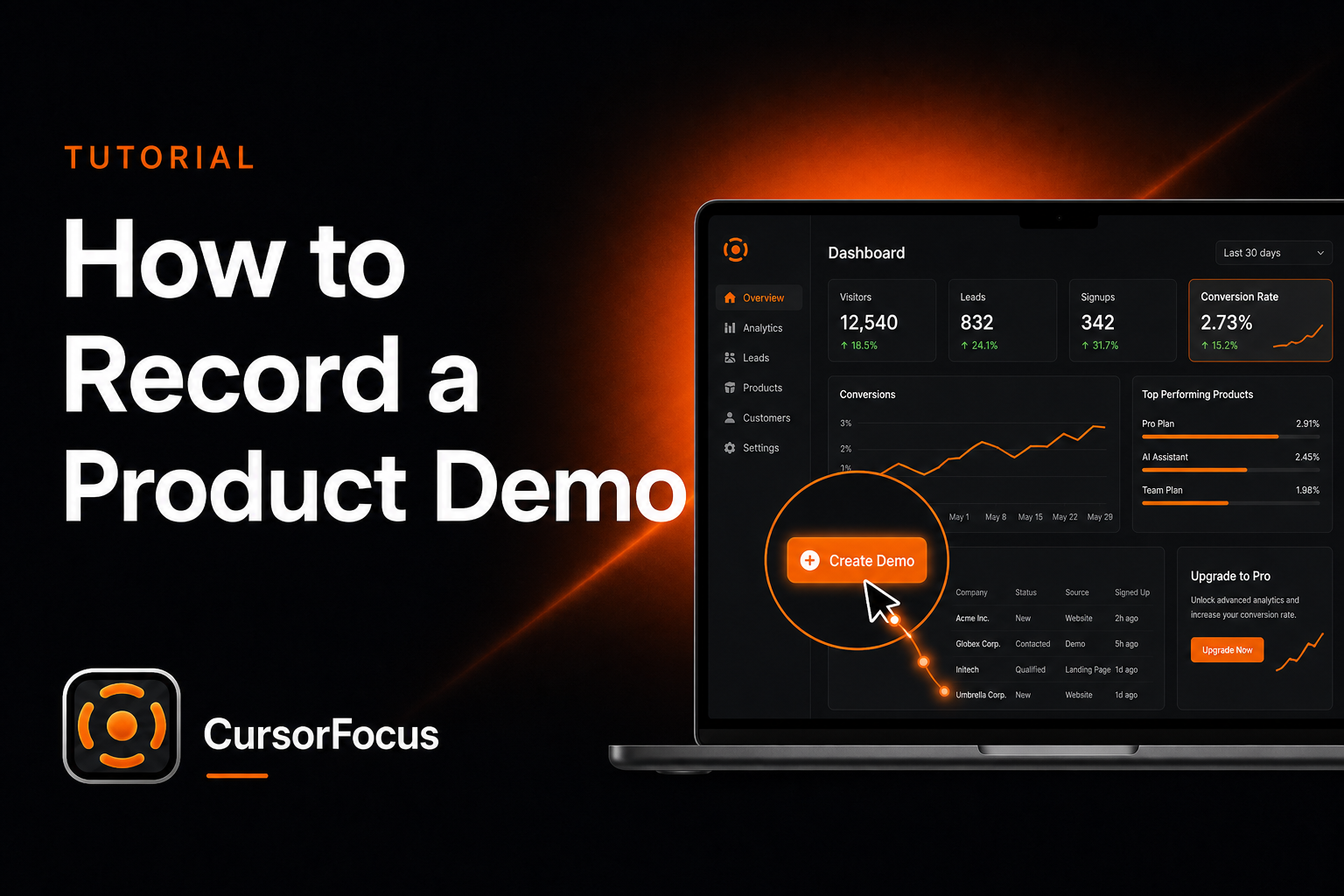
Most product demos lose people for the same reason: they tour the UI instead of proving one outcome. Treat the recording like a short proof, not a feature walkthrough.
Start with one promise
Write a single line before you record: “In under two minutes, you’ll see how to ___.” That line becomes your filter. If a click doesn’t serve the promise, cut it. Viewers forgive missing features; they don’t forgive confusion.
Open on the pain, not the logo
The first five seconds should show the before state — the messy spreadsheet, the slow hand-built invoice, the unread support pile. Then jump into the product solving it. Skip founder intros and product history; those belong on About pages, not in the demo.
Stage the screen like a set
Use a clean browser profile with believable demo data. Hide bookmarks, mute notifications, and close Slack. A cluttered desktop makes even a strong product look unfinished. If you need multiple accounts or sample projects, prepare them once and reuse the same setup every time you re-record.
Capture wide, then guide the eye
Record at your Mac’s native resolution so text stays sharp. The viewer will often watch in a small embed, so important clicks must become large on screen. CursorFocus auto-zooms on every click, which means you can stay at full desktop while recording and still get readable close-ups in the export.
Separate action from voice when you can
Do a silent pass for screen actions first. Move slowly, pause before each click, and leave a beat after the result appears. Then narrate while watching the take. Split recording removes the “talk and click at once” scramble that makes demos sound nervous. If you must capture voice live, keep sentences short and re-do any flubbed line instead of pushing through — see how to reduce background noise.
Edit for pace, polish for trust
Landing-page demos usually win at 45–90 seconds. Sales follow-ups can stretch to three minutes. Cut loading waits and typing. Then add the signals that read as quality: padding or a background behind the capture, canvas framing, and optional click highlights, and quiet music under the voice. In CursorFocus those finishes happen in the same editor you used to trim.
Close on the finished result
End on the completed workflow — not a feature montage. Show the outcome, say the one next step, and stop. One demo, one promise, one CTA.
If you ship demos regularly for SaaS, read the SaaS product demos page and browse product demo videos for output examples.
Record polished videos on your Mac
CursorFocus adds automatic zoom, cursor smoothing, and 4K export to every recording. One-time $79, no subscription.
Get CursorFocus See all features