How to Make a Product Hunt Launch Video
How to structure, record, and polish a Product Hunt launch video that earns watches, upvotes, and clicks on launch day.
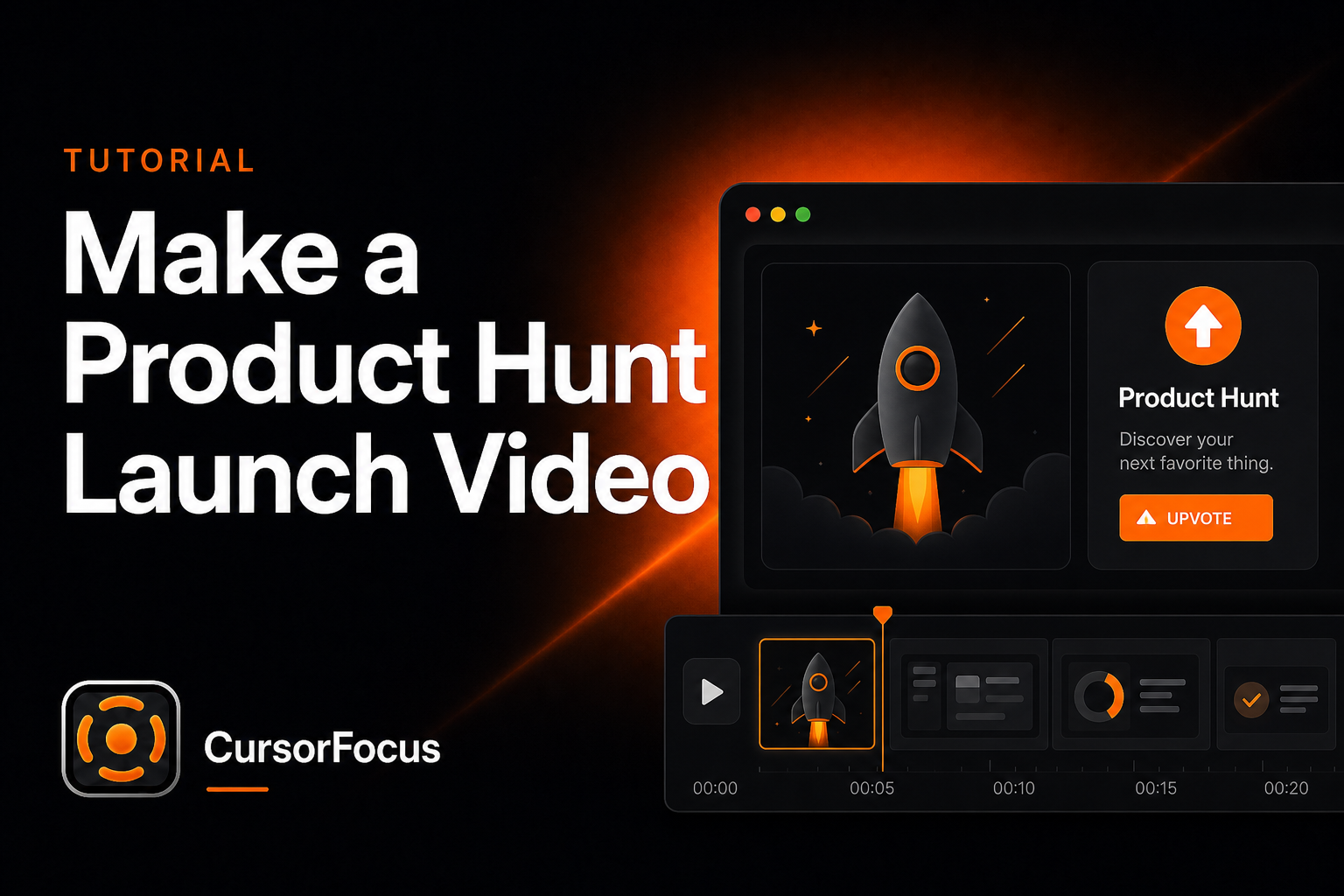
On Product Hunt, many visitors decide from the gallery video alone. They skim fast. Your job is to show the product working — not to tell a brand story.
Aim for 30–60 seconds
Anything longer asks for commitment from people browsing dozens of launches. If the core value needs more than a minute, the script is trying to cover too many jobs. Cut to the single magic moment.
Use a tight four-beat structure
- Problem in one spoken or on-screen line.
- Magic moment by second 10 — the click where the product clearly wins.
- Two supporting beats max — not a tour.
- CTA with the product name and where to try it.
No logo sting. No founder montage. Start in the problem.
Record the real UI with real-looking data
Stock footage and static mockups underperform. Hunters upvote things that feel shipped. Use realistic projects and names, not “Test 3.” Prep the screen the same way you would for a product demo.
Let the cursor carry the story
Launch videos often play muted. The pointer becomes the narrator: pause, click, reveal. That only works if zooms land on every meaningful action and motion stays smooth. CursorFocus tracks clicks and zooms automatically, which is why many indie founders finish a launch cut without a separate timeline editor. See Product Hunt launch video for the intended workflow.
Add light polish so quality transfers to the product
A padded background, canvas framing, smooth zoom easing, and quiet music make the same capture read as “this team ships.” Raw 100% desktop footage of the same actions reads as unfinished. The difference is minutes, not a week of editing.
Prefer short text cards over dense narration
A large share of gallery traffic watches without sound. Five-word overlays travel better than a dense VO. If you do narrate, export captions with the subtitle generator.
Export for the gallery, then reuse everywhere
Export 1080p+ MP4, 60 fps when there’s motion. Prefer uploading the file to Product Hunt rather than linking out. Grab a thumbnail frame at the magic moment — UI mid-payoff, not a title card. Trim the same master to 15–30 seconds for X and LinkedIn, and drop the full cut on your landing page hero. Record once at high quality; never reverse-engineer a phone clip into a launch asset.
Building these often as a startup? The for startups page covers a repeatable recording setup.
Record polished videos on your Mac
CursorFocus adds automatic zoom, cursor smoothing, and 4K export to every recording. One-time $79, no subscription.
Get CursorFocus See all features